VISCode / ChatGPT custom connector: VISCode
ChatGPT custom connector: VISCode
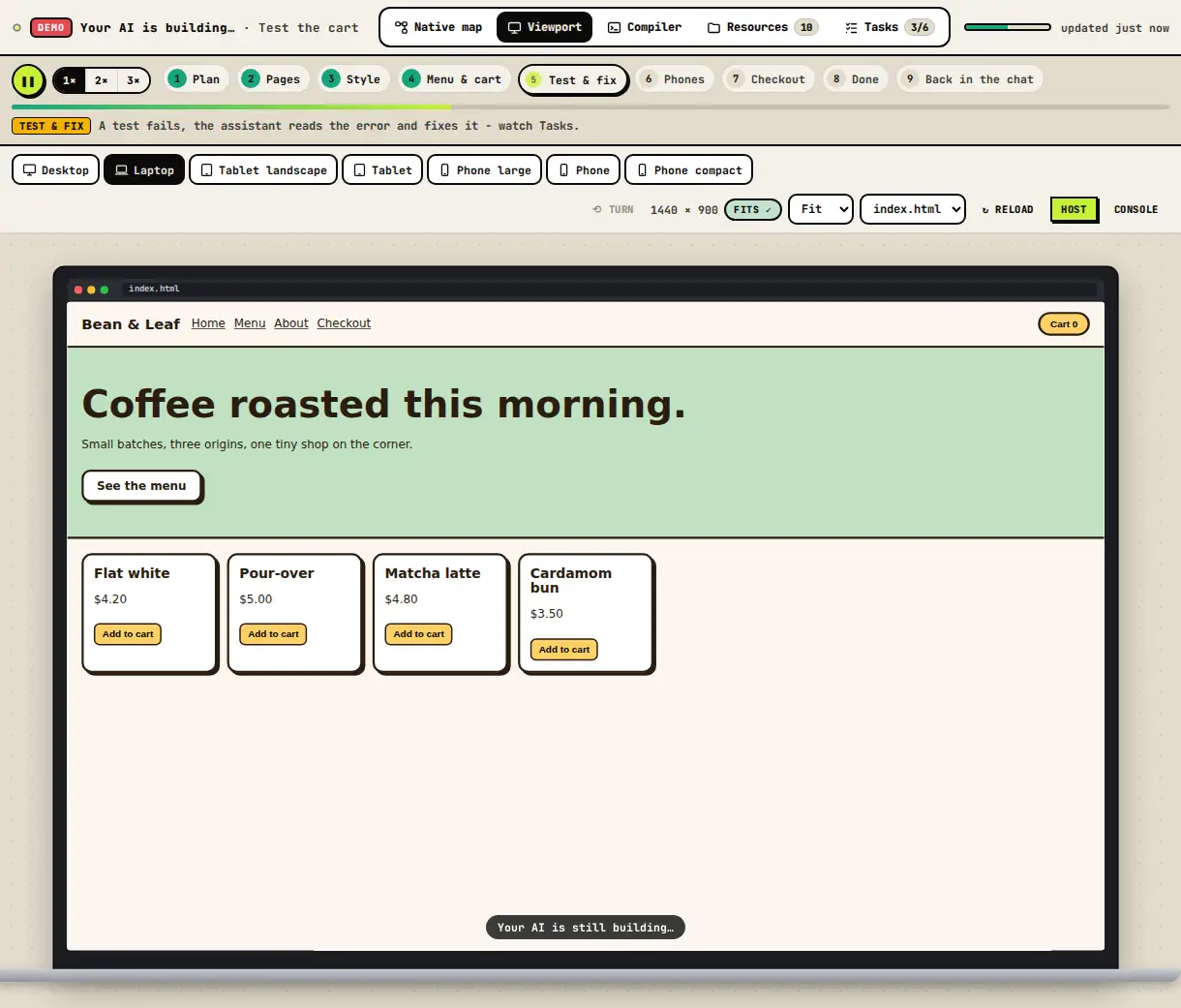
In ChatGPT developer mode you can add any remote MCP server. Add VISCode, turn it on in a chat and ask for a project live: ChatGPT gives you a link and you watch the app take shape.
Open VISCode - free Connect your AI
Set up
- Settings → Apps & Connectors → Advanced settings → Developer mode on.
- Create: Name VISCode, MCP Server URL https://viscodeai.netlify.app/mcp, Authentication OAuth (leave client ID and secret empty).
- Trust it, connect, pick a VISCode username and press Allow. In a chat: + → Developer mode → VISCode.
Then ask
- "Build me a to-do app, live in VISCode."
- "Show this repository in VISCode as a sequence diagram."
- "Run this Python script in VISCode and fix what fails."
Questions
Which ChatGPT plans support custom connectors?
Developer mode for custom connectors is available on Plus, Pro, Business and Enterprise.