VISCode / The MCP server that lets you watch your AI build
The MCP server that lets you watch your AI build
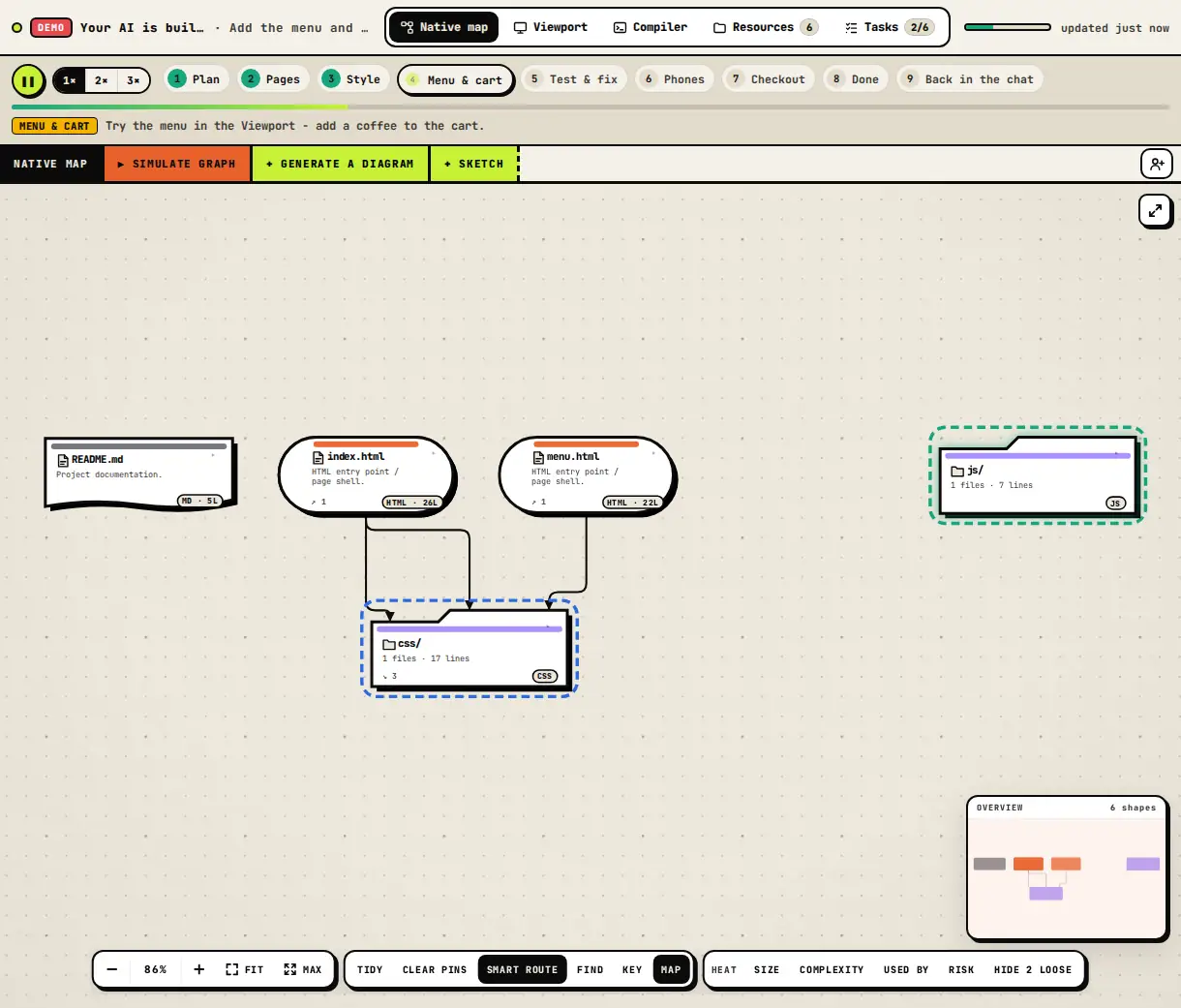
VISCode is a remote MCP server (Streamable HTTP). Add it to your AI assistant once, ask for a project "live in VISCode", and you get a link before the first file: a live code map, a running preview on seven devices, a compiler, every file and every task - as they happen.
Open VISCode - free Connect your AI
Add it in one minute
- Server URL: https://viscodeai.netlify.app/mcp - transport Streamable HTTP, sign-in with OAuth (a VISCode username is enough).
- Claude: Settings → Connectors → Add custom connector. ChatGPT: Settings → Apps & Connectors → developer mode → Create. Cursor, VS Code, Windsurf, Zed, Cline: add a remote MCP server with the URL. Claude Code: claude mcp add --transport http viscode https://viscodeai.netlify.app/mcp.
- Apps that only run local servers: npx -y mcp-remote https://viscodeai.netlify.app/mcp.
What your assistant can do
- start_live_build, live_update, live_read, finish_live_build - stream a build file by file, with tasks, status and test results.
- visualize_code and visualize_github_repo - turn code into a map link.
- run_code - run Python, Go, Java, C, C++, Rust and more on a build server. host_site - publish a static site at its own address.
Built for any assistant and any device
- Works on the web, the desktop and the phone apps of Claude and ChatGPT once the connector is added.
- Replies as JSON or server-sent events, and speaks every current MCP protocol version.
- Your conversation never reaches VISCode - only what the assistant sends in a tool call.
Questions
What is MCP?
The Model Context Protocol is an open standard that lets AI assistants call tools on other services. VISCode is an MCP server your assistant can call.
Does it work with ChatGPT?
Yes - add it as a custom connector in ChatGPT developer mode (Plus, Pro, Business and Enterprise).
Do I need an account?
A VISCode username is enough; the first call opens the VISCode connect page to approve the assistant.